
One system, five identities
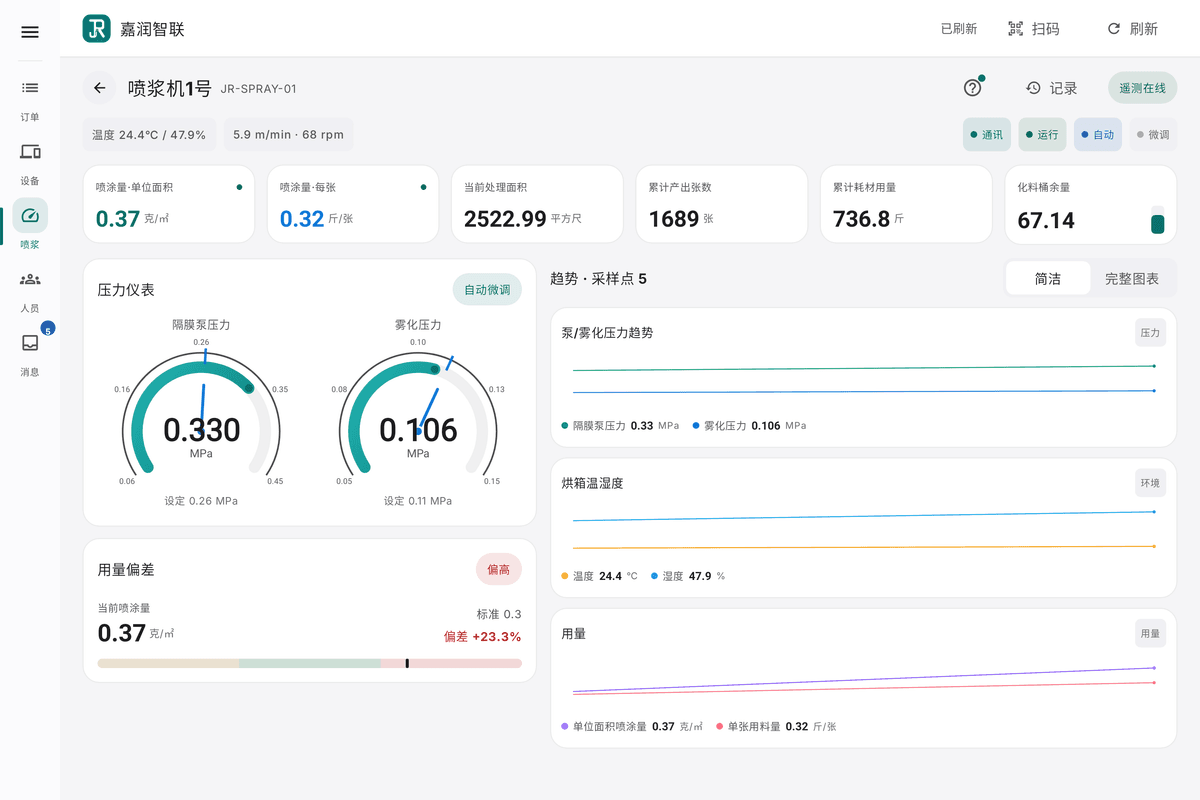
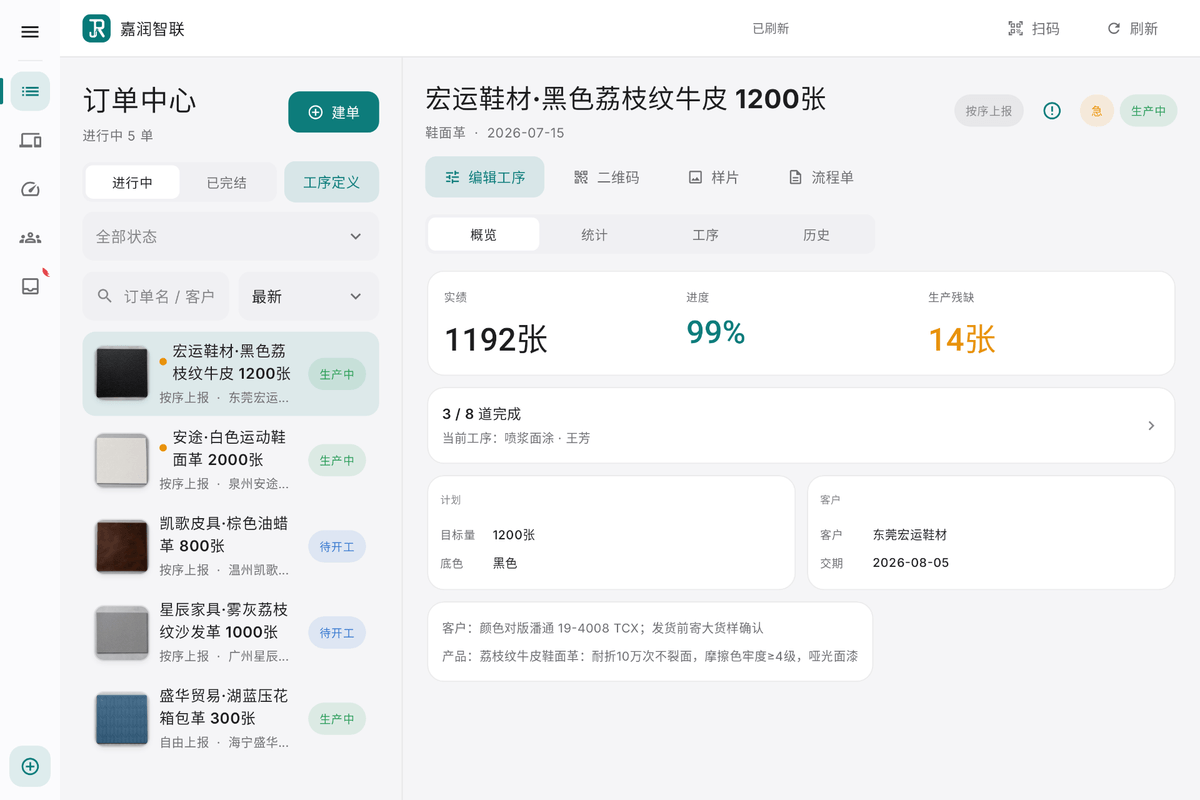
Production Pad
The production management workspace on a tablet: orders, operations, people, equipment and production requirements handled in one place, usable while moving around the floor.
- Morning: open orders, plan the steps
- Daytime: watch progress, gate acceptance
- Anytime: people and device files
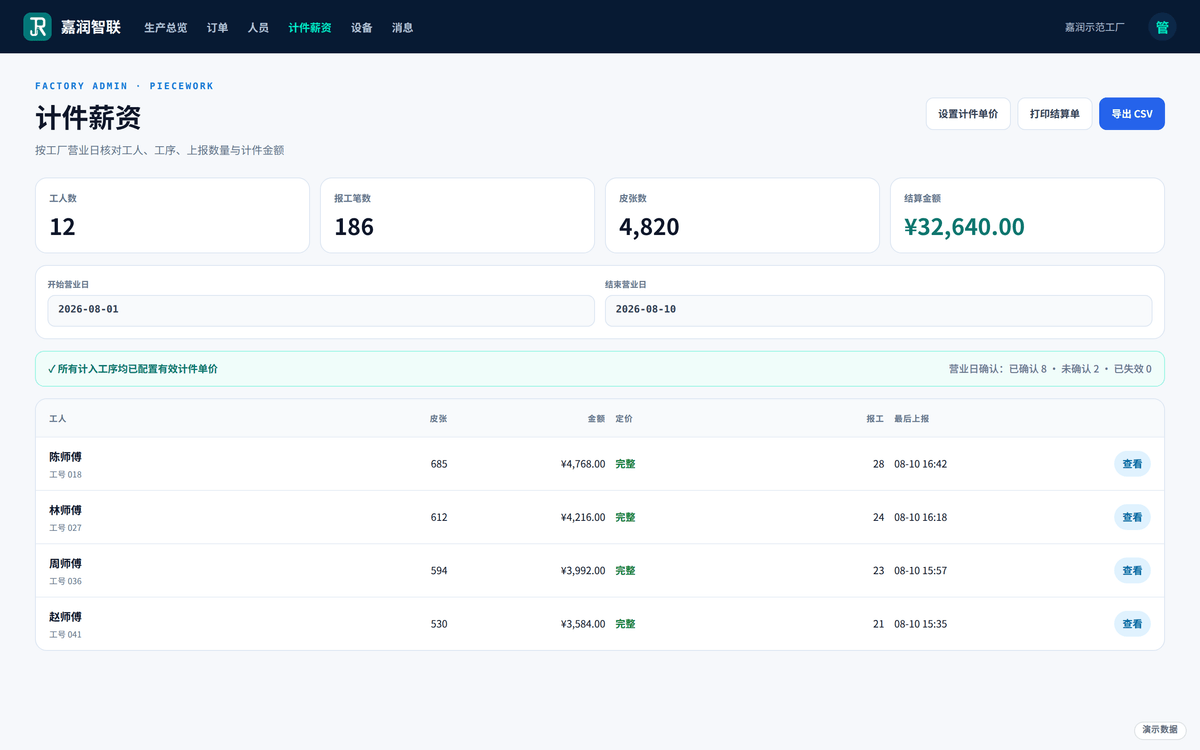
Web finance
Piece-work and settlement done in a browser: maintain unit prices, settle order by order, work out the factory payroll; orders and production management live on the Pad.
- Rates live as versions
- Settlement follows the order
- Payroll by person, by month
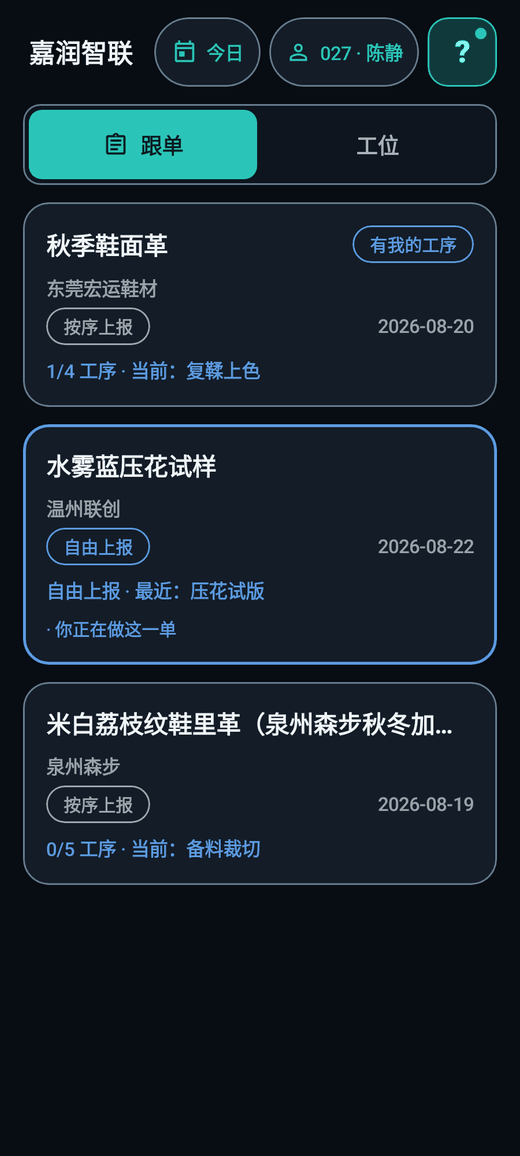
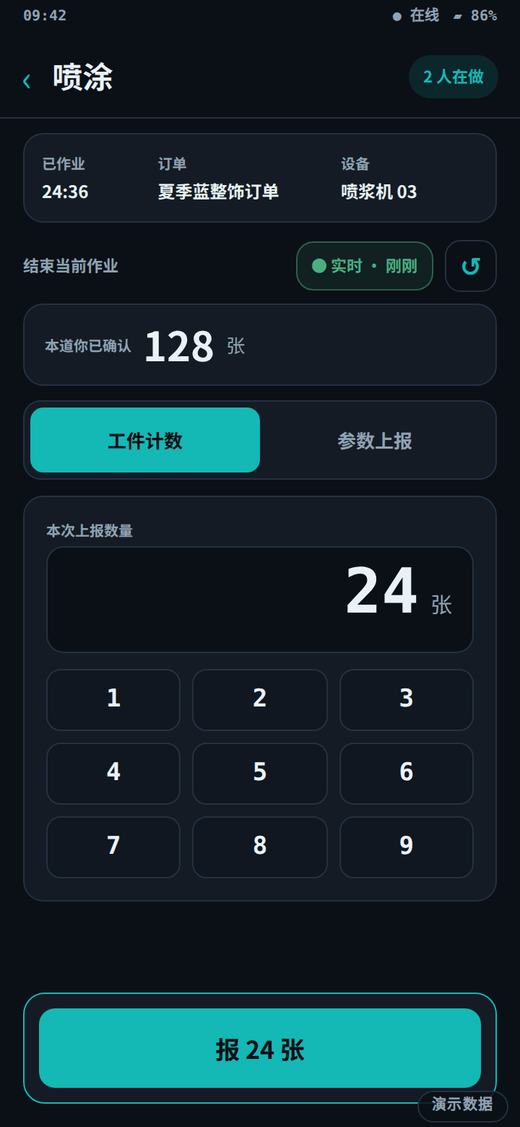
Worker App
Workers sign in with a worker code — no password; pick the operation, enter the count, confirm: reporting takes three steps.
- Joining: your worker code is your identity
- Working: three taps per report
- Knocking off: today's own share
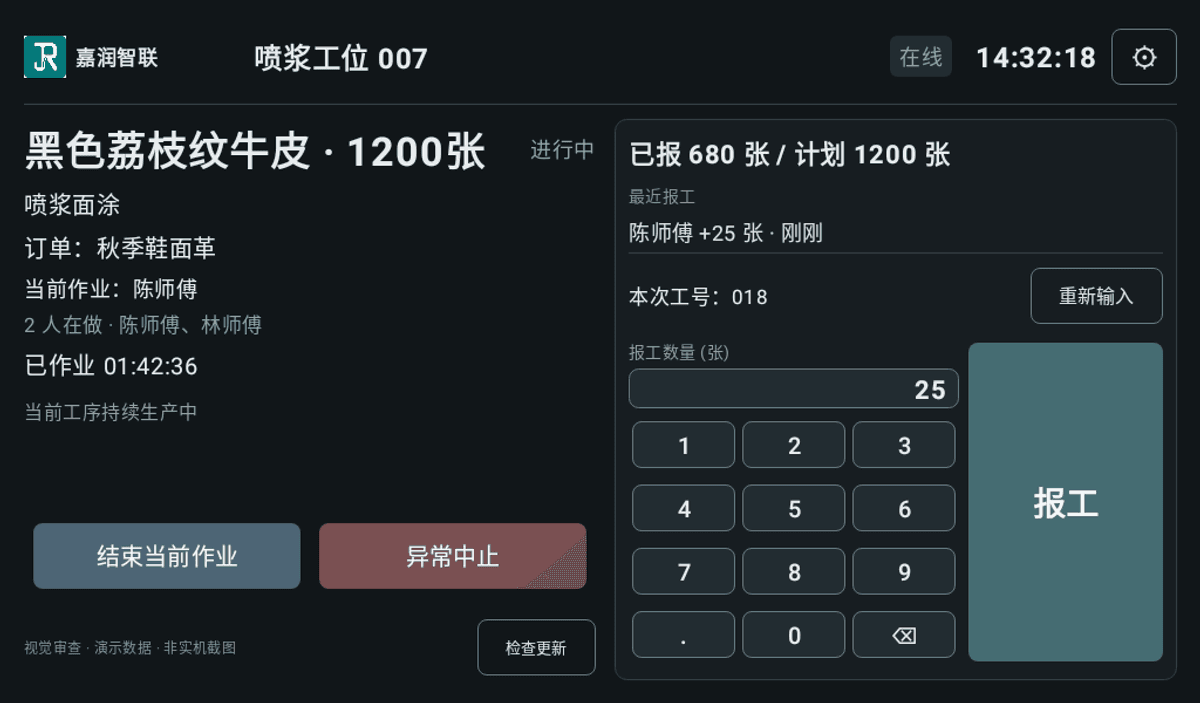
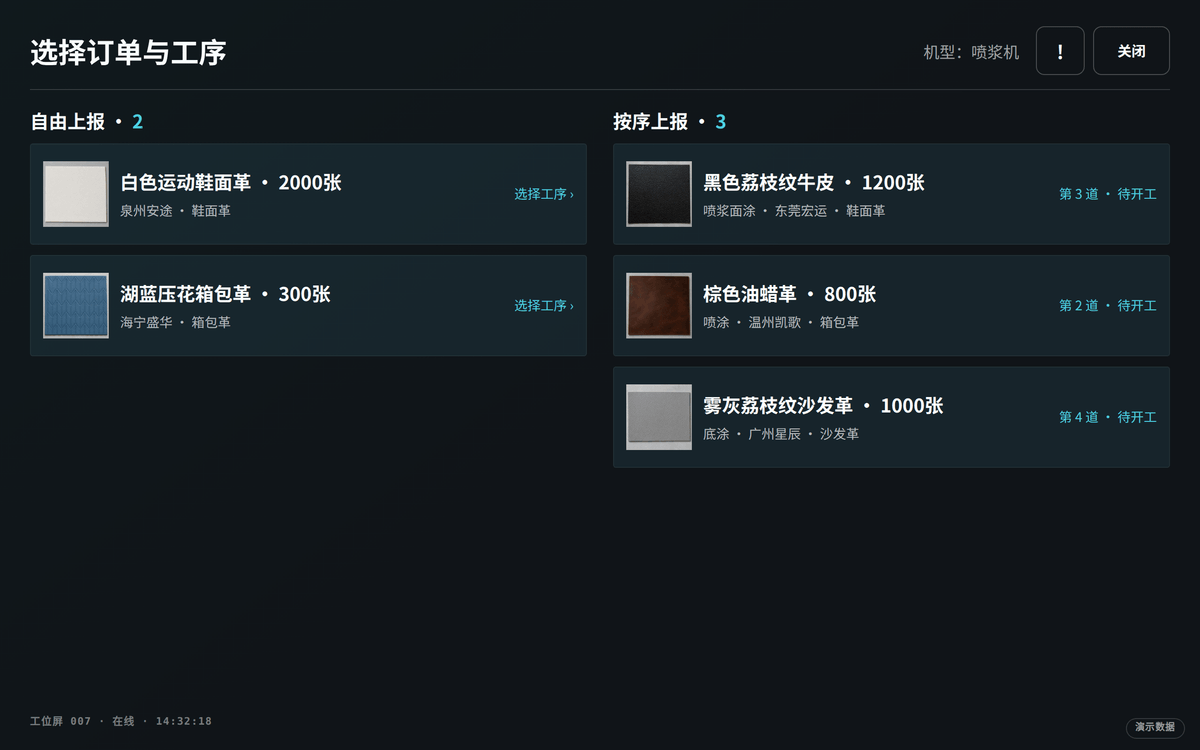
Station Display
The station display refreshes the current operation queue in real time: current task, progress and the next order in one view.
- Shift start: pick and go
- Reporting: a batch in one motion
- Boundary: the station is the identity, no money on screen
Analysis Web (read-only)
A read-only view opened by owner delegation: it reads the factory's production data to produce reports, and never writes orders, shop-floor reports or piece-work.
- Away from the plant, still current
- Authorized per person, scoped per factory
- Read-only is a hard boundary
Roles and permission scope come from the product end-capability catalogue, not from the wording on this page; this section changes when the catalogue does.
Two industrial terminals we build ourselves
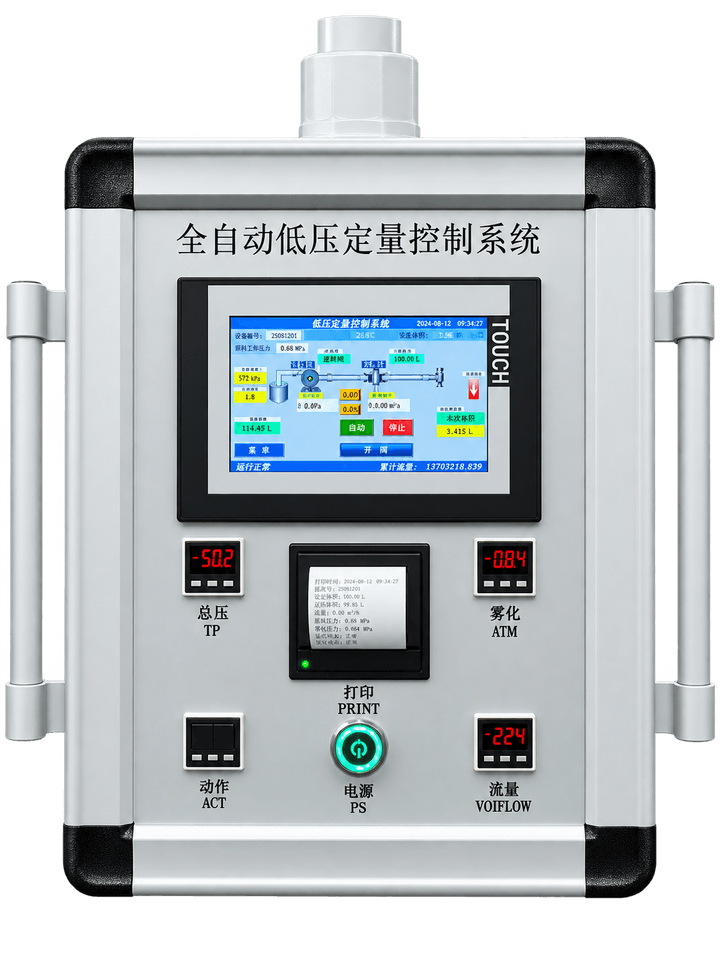
Spray dosing controller
Mounted beside the spray machine, it replaces a mix and spray volume set by feel: parameters are chosen from a recipe on the terminal and held there, and every run keeps both the setting and the actual running data, which is then uploaded to the platform for later checking.
- Spray volume held to the recipe
- Parameters kept as recipes
- Running data recorded locally
- Uploaded for later checking
- Spray machine and dosing unit
- JR-SDC
- Running data uploaded and filed by machine and by timeCompatibility check
- Abnormal spray volume flagged and alertedPlanned
Whether it can be connected to your spray machine depends on the model, its control method and the wiring on site; that is assessed machine by machine and never assumed.
Terminal hardware is quoted per unit and is not included in any software version; quantity and model are listed when the plan is agreed.
Learn more →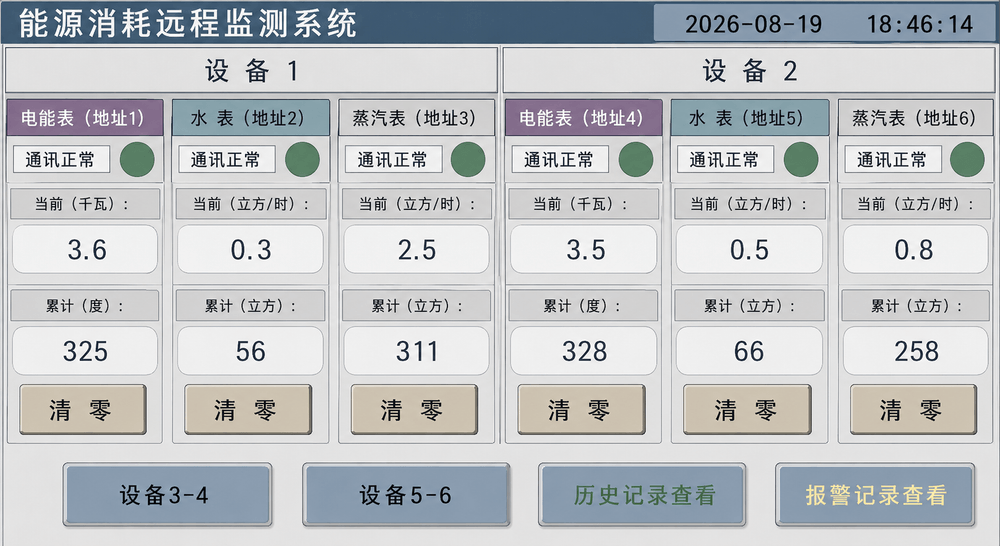
Utility energy monitor
It connects to the meters and circuits you already have and collects electricity and gas readings on a fixed interval. It changes nothing on your machine and only reads beside it; the readings are there to be looked at and compared, and take part in no production decision.
- Metered per circuit
- Aligned on a clock
- Abnormal draw is visible
- Fitted without altering the machine
- The meters and circuits already installed
- JR-UEM
- Readings uploaded per circuit and per timeCompatibility check
- Consumption comparison and trendPlanned
Whether it can be connected depends on the meter model, the supply conditions and the room in the cabinet; the scope is given after a site assessment, not before.
Terminal hardware is quoted per unit and is not included in any software version; quantity and model are listed when the plan is agreed.
Learn more →Cloud platform or local server: two ways to deploy
Cloud platform
- Ready as soon as it is opened; no server to set up in the factory
- Data protected by encryption, so moving to the cloud is nothing to worry about
- System updates are done by us on the platform side
Local server
- The system runs inside the factory and the data stays there
- Stable and low-latency, unaffected by the public network
- High concurrency: many stations can report at the same time
Both deployments include a regular data backup service; the backup cadence and the scope of transport protection are set in the deployment plan both sides confirm.
The data link between machines, workshop and cloud
- MACHINES
- Spray machine A (schematic)
- Spray machine B (schematic)
- Spray machine C (schematic)
- CLOUDJiarun IOTLIVE DATA CHANNEL
- SHOP-FLOOR SCREENS
- Production Pad
- Worker App
- Station Display
- What is assessed
- the digital machines and meters already on site
- What is checked first
- interface / signal / site network
- Data scope
- set by the assessment · universal compatibility never assumed
- How the answer comes
- after a site assessment · one machine at a time